Create Professional Product Photos with AI
Learn how to generate e-commerce ready product photography for wigs, lashes, cosmetics, and beauty products using AI - no expensive equipment or photography skills required.
AI-Generated Product Photos
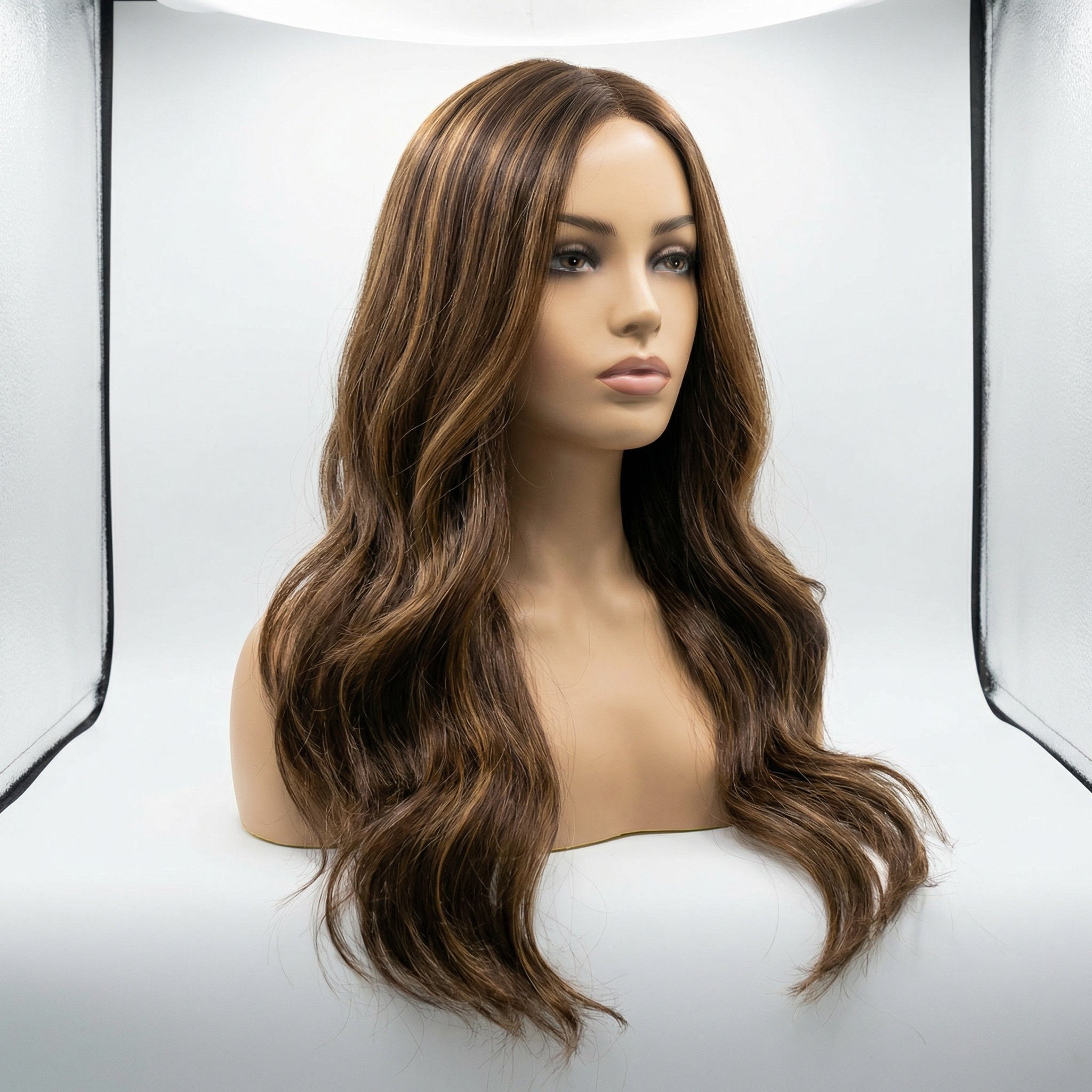
Luxury Wig on Mannequin
Clean white background, studio lighting
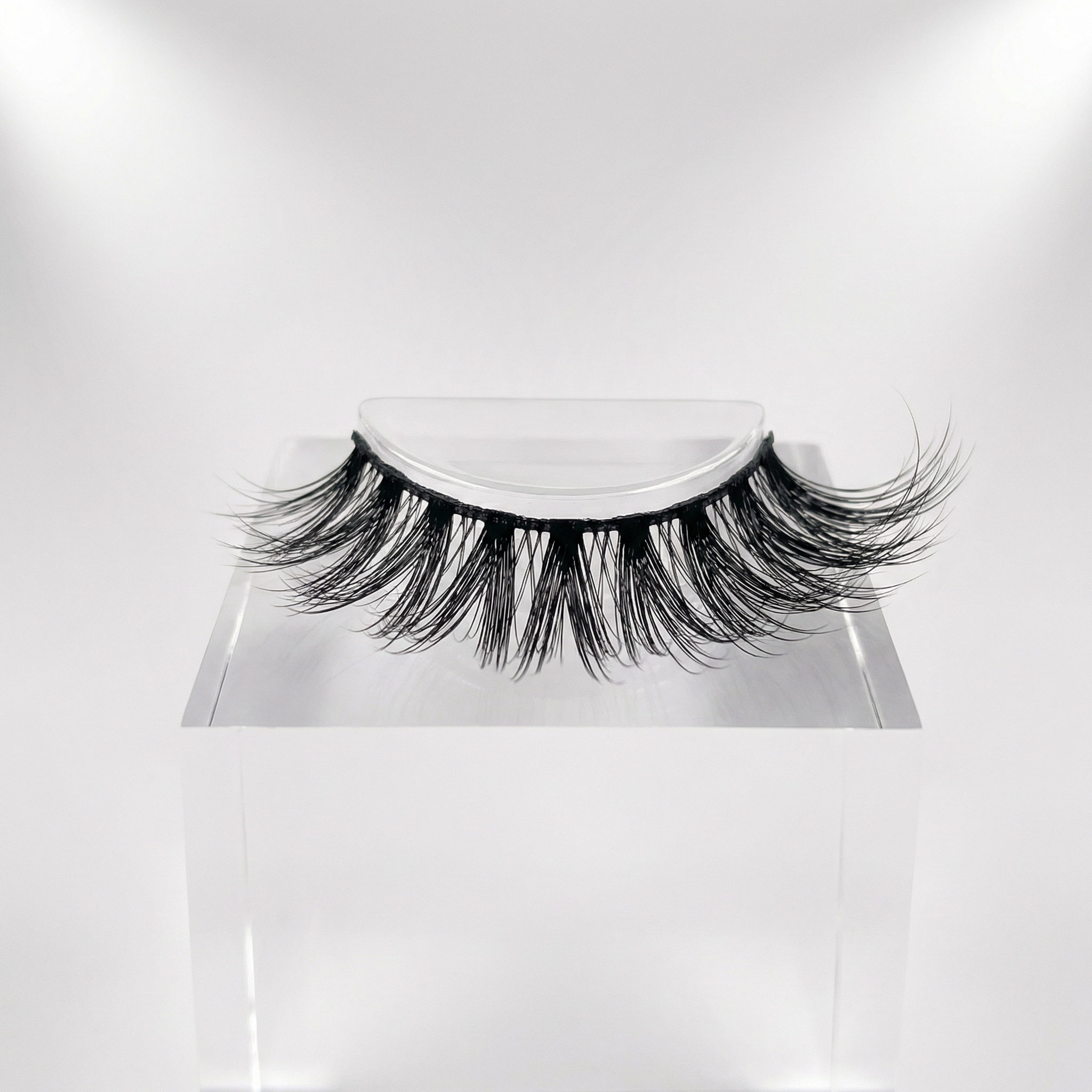
Premium Lash Extensions
Macro detail, professional display
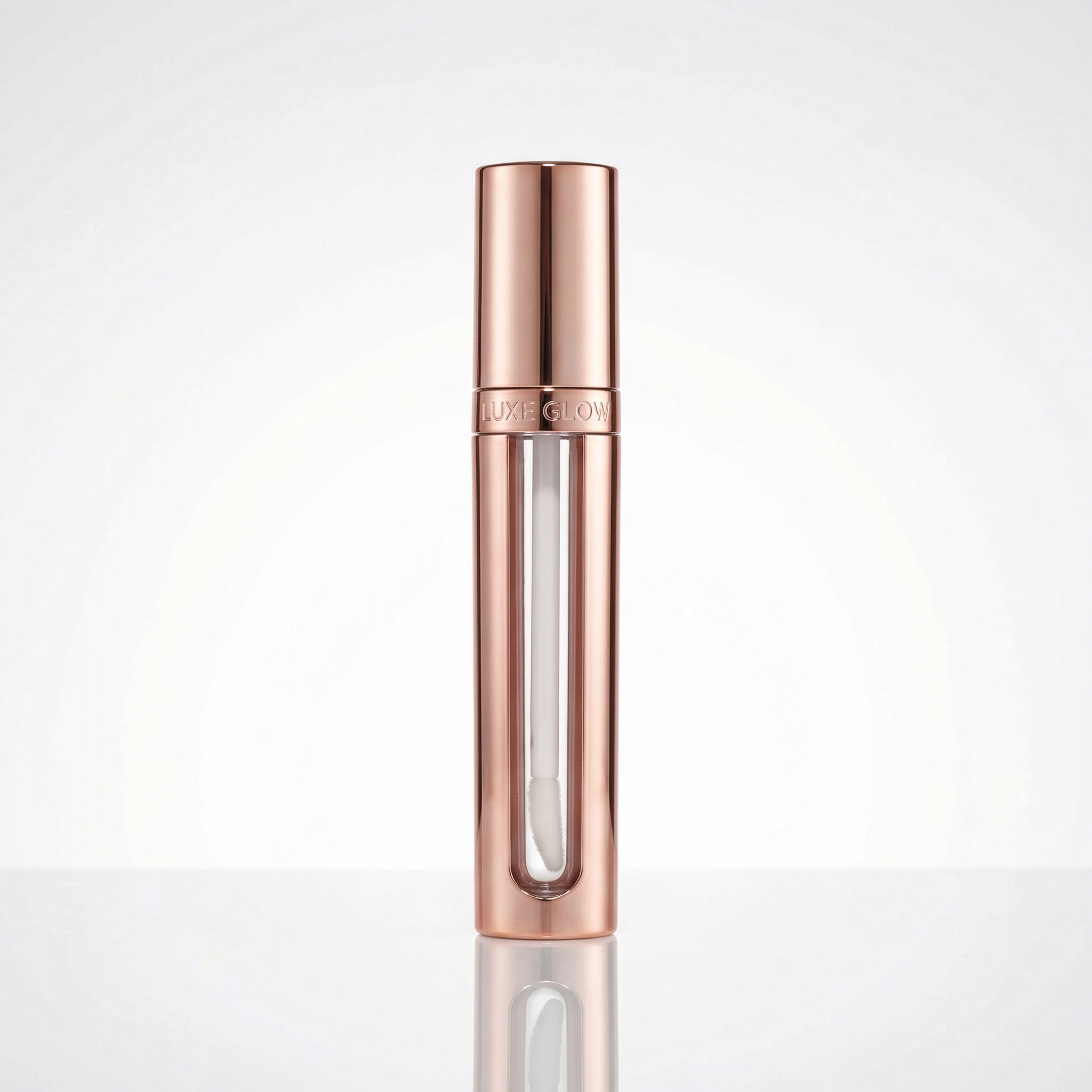
Luxury Cosmetics
Reflective surface, metallic highlights
Navigate to the AI Photo Generator and select "Product Showcase (Wigs, Lashes, etc.)" from the Photo Style dropdown. This style is specifically optimized for e-commerce product photography with clean backgrounds and professional lighting.
Pro Tip: The Product Showcase style automatically applies e-commerce best practices including white backgrounds, even lighting, and sharp focus.
Describe your product with specific details. Include the product type, color, style, display method, and any unique features. The more specific you are, the better the AI can generate exactly what you need.
✓ GOOD EXAMPLE - Wig
"Luxury human hair wig with long wavy brown hair with caramel highlights, displayed on white mannequin head with realistic skin tone"
✓ GOOD EXAMPLE - Lashes
"Premium mink lash strip extensions in dramatic cat-eye style, displayed on clear acrylic holder"
✓ GOOD EXAMPLE - Cosmetics
"Luxury lip gloss in rose gold packaging with clear applicator wand, standing upright on reflective white surface"
✗ BAD EXAMPLE - Too Vague
"A wig" or "Some lashes" or "Makeup product"
Missing: color, style, display method, specific features
Product Type
Wig, lash extensions, lip gloss, nail polish, etc.
Color & Style
Specific colors, patterns, textures, lengths
Display Method
Mannequin head, acrylic holder, standing upright
Background
Clean white, light gray, seamless backdrop
Lighting
Studio lighting, soft diffused, no shadows
Quality Level
Professional, commercial, e-commerce ready
Click "Generate Photo" and wait 10-20 seconds for your professional product photo to be created. Once generated, you can download it directly and use it on your website, online store, social media, or marketing materials.
Bonus Tip: Generate multiple variations with slightly different descriptions to have options for different platforms or seasonal campaigns.